
Building a Modern PDF Workflow: Typst Templates for Document Publishing
The landscape of document processing has evolved significantly over the past year, and I believe this represents a crucial turning point for anyone serious about professional document production. The integration of modern typesetting engines with established conversion tools has reached a level of maturity that makes it worth reconsidering how we approach PDF generation from markdown sources.
In my experience, the combination of Typst and Pandoc offers something genuinely compelling for technical writers, academics, and publishing professionals who need consistent, high-quality output without the overhead of traditional desktop publishing software.
Why This Matters Now
The recent updates to both Typst (version 0.13) and Pandoc (version 3.6.4) have fundamentally changed how these tools interact. What I find particularly significant is that previous workflows have become obsolete – not through poor design, but because the underlying architecture has matured in ways that demand new approaches.
This isn’t just about keeping up with software updates. The separation of concerns between Pandoc’s conversion logic and Typst’s typesetting capabilities represents a more sustainable approach to document processing. For professionals who rely on automated workflows, this architectural improvement should reduce long-term maintenance headaches.
Who Should Care About This
This workflow is most valuable for people who produce structured documents regularly – think academic papers, technical reports, or publishing projects where consistency matters more than creative layout freedom. If you’re writing occasional blog posts or simple documents, the complexity probably isn’t worth it.
Graduate students and researchers will find this particularly useful, as will technical writers working in environments where version control and reproducible builds are priorities. Publishing professionals dealing with multiple document formats should also pay attention.
The Technical Implementation
The core command structure has been refined to leverage Pandoc’s variable system more effectively:

pandoc article.md -f markdown –wrap=none -t pdf –pdf-engine=typst -V template=article.typ -o article.pdf
What I appreciate about this approach is how it cleanly separates Pandoc’s role as a converter from Typst’s role as a typesetting engine. The template variable system allows for much more flexible customization without breaking the underlying conversion logic.
Template Architecture and Features
The template design addresses several practical concerns that I’ve encountered in real-world document production. The metadata handling system properly processes multi-part author information and publication details, which is essential for academic and professional documents.
The running header and footer system deserves particular attention. For anyone producing documents that will be printed or distributed as formal publications, proper handling of left and right facing pages is non-negotiable. The template provides sensible defaults while allowing customization for different use cases.
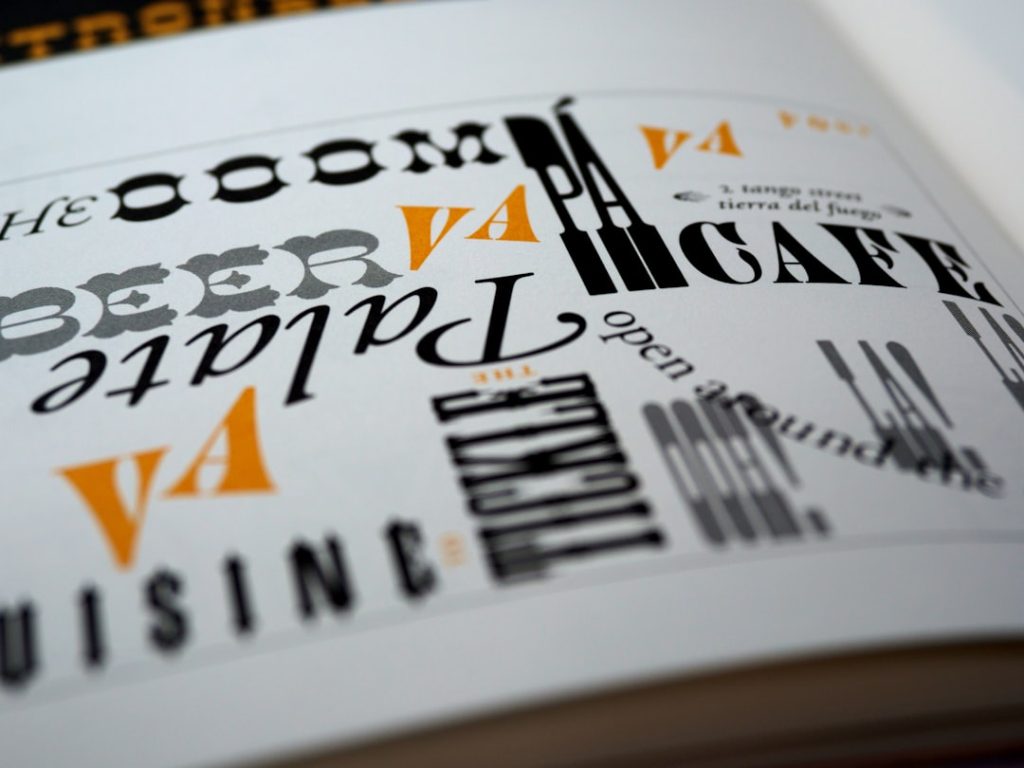
Typography features include OpenType font support with ligatures and old-style figures – details that separate professional-quality output from basic document conversion. These features matter most for formal publications where visual quality impacts credibility.
Advanced Styling Capabilities
The block quotation and code formatting goes beyond basic markdown rendering to provide publication-ready styling. The image and caption handling addresses a common weakness in automated document workflows where visual elements often need manual adjustment.
The three-level heading structure provides sufficient hierarchy for most document types while maintaining visual consistency. The styling is sophisticated enough to look professional without being overly complex to maintain or modify.
The labelled section system is particularly clever – it allows for specialized formatting of content blocks like epigraphs or reference sections. This addresses a real limitation in many markdown-to-PDF workflows where certain content types need special treatment.

Practical Considerations
The regex-based text styling system demonstrates Typst’s flexibility in handling typographic conventions automatically. The example of styling “CE” dates in small caps might seem minor, but these details accumulate to create professional-looking documents without manual intervention.
The document layout logic keeps the title block separate from body text formatting, which prevents common issues where paragraph styles interfere with metadata display. This attention to implementation details suggests the template was built by someone who has encountered these problems in practice.
Who This Isn’t For
If you’re looking for WYSIWYG document creation or need complex multi-column layouts with extensive graphics, traditional desktop publishing tools remain more appropriate. This workflow requires comfort with command-line tools and text-based document creation.
Organizations with established workflows using other tools shouldn’t switch unless they have specific requirements that this approach addresses better. The learning curve and setup time need to be justified by real workflow improvements.
Long-term Implications
What excites me most about this development is its sustainability. By properly separating conversion logic from typesetting logic, this approach should be more resilient to future software updates. The architectural improvements suggest both tools are maturing toward more stable, professional-grade capabilities.
For educational institutions and research organizations, this represents a viable alternative to expensive commercial solutions while maintaining professional output quality. The open-source nature ensures long-term accessibility and customization possibilities.
The integration quality has reached a point where I would recommend this workflow for new projects that prioritize consistency, version control, and automated processing over interactive design capabilities.
Photo by Brett Jordan on Unsplash
Photo by Brands&People on Unsplash