
Graphics Giant Retires Legacy Control Interface After Nearly Two Decades
In what marks the end of an era for PC enthusiasts, the green team has officially discontinued its classic control interface that has served users faithfully since the Windows XP days. This move represents more than just a software update—it’s a fundamental shift in how graphics card manufacturers approach user experience in 2024.
The retirement comes with driver version 610.47, where the legacy control panel will no longer be automatically installed. I think this is long overdue, frankly. The old interface, while functional, has looked increasingly dated compared to modern software standards. For users who’ve grown attached to the familiar green logo and straightforward layout, this might feel jarring, but the reality is that technology needs to evolve.
What This Means for Different User Types
This change primarily affects GeForce GPU owners, and honestly, most casual users won’t even notice. The new application promises faster performance and more efficient operation while maintaining all the essential functionality. For enthusiasts who’ve relied on the old interface for years, there’s definitely going to be a learning curve, but I believe the benefits outweigh the inconvenience.

Professional users with RTX Pro, RTX, and Quadro graphics cards can breathe easy—their legacy interface remains intact for now. This makes sense because professional workflows often depend on specific features that haven’t been migrated yet. It’s a smart move that shows the company understands different user needs.
The Evolution of Graphics Control Software
What fascinates me about this transition is how it mirrors broader software industry trends. The original control panel debuted in February 2006 with the ForceWare 83.60 driver package, supporting everything from cutting-edge GeForce 7 series cards down to ancient GeForce 2 MX hardware from 2000. That’s remarkable longevity in the fast-moving tech world.
The new application offers significant advantages that power users will appreciate, including automatic driver updates and advanced upscaling features. For gamers who want to use newer DLSS models with older games, this is genuinely exciting functionality that the legacy interface simply couldn’t provide.

Who Benefits and Who Doesn’t
Gamers and mainstream users will definitely benefit from this change. The modern interface is more intuitive, faster, and includes features that actually matter for contemporary gaming. However, I understand why some users might feel frustrated—there’s something to be said for interfaces that don’t change every few years.
Interestingly, users who already have the old control panel installed won’t lose it unless they perform a clean driver installation. For those who absolutely must have it back, it’s available as a separate Microsoft Store download, though it won’t receive future updates. This seems like a reasonable compromise, though I suspect most users will adapt to the new system quickly.
What strikes me most about this change is how it reflects the broader challenge of software modernization. Companies must balance innovation with user familiarity, and sometimes that means making decisions that won’t please everyone. In this case, I think the benefits of a modern, efficient interface outweigh the nostalgia factor of keeping the old system around indefinitely.
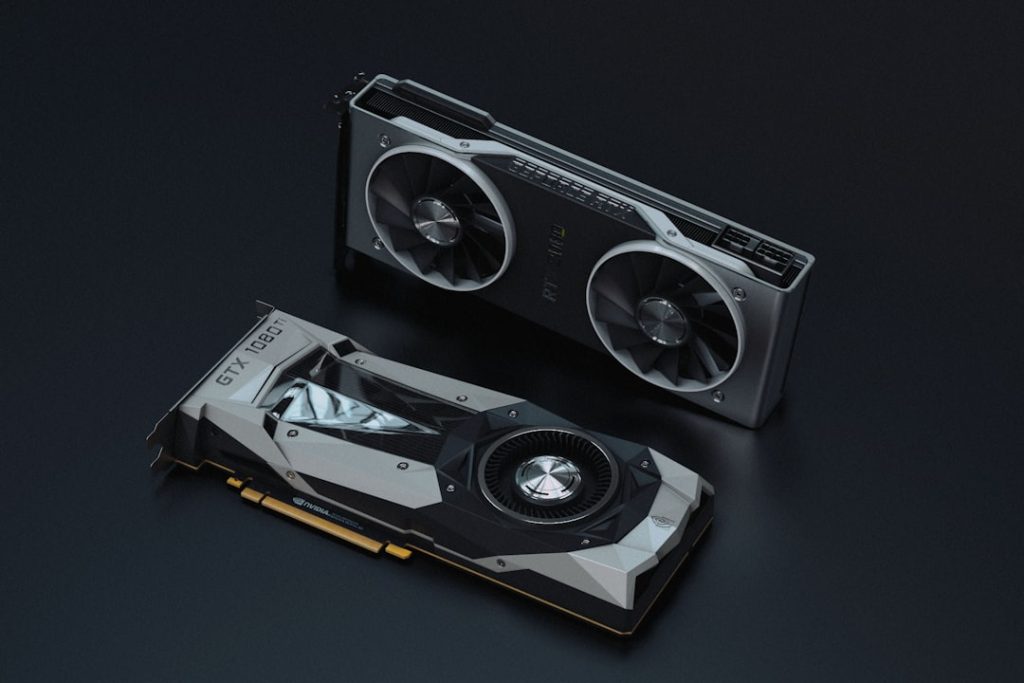
Photo by Rafael Pol on Unsplash
Photo by Christian Wiediger on Unsplash